How the Flywheel got here
The Flywheel was built one part at a time, in public. Each stop is a part or a milestone, with the video or post where it first appeared.
Jump to the startWhitepaper published
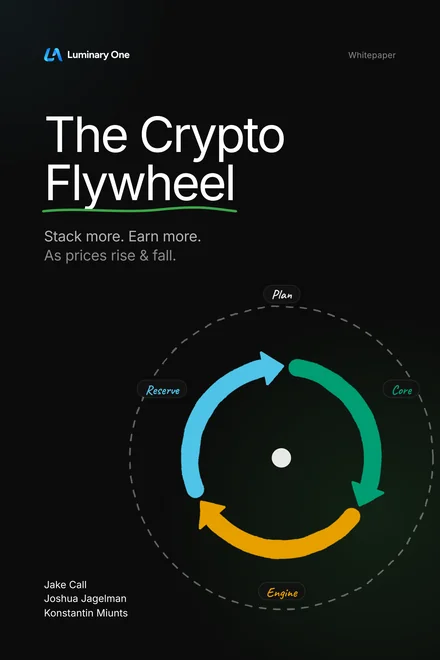
The whole model in one paper: the Core, Engine, and Reserve, and the written Plan that runs them. Free to read and share under CC BY 4.0.
 v1.0
v1.0Three builds
The Flywheel splits into three builds: foundational, blue chip, and advanced. They are now Foundation, Prime, and Advanced.
 0:14
0:14Every position gets a job
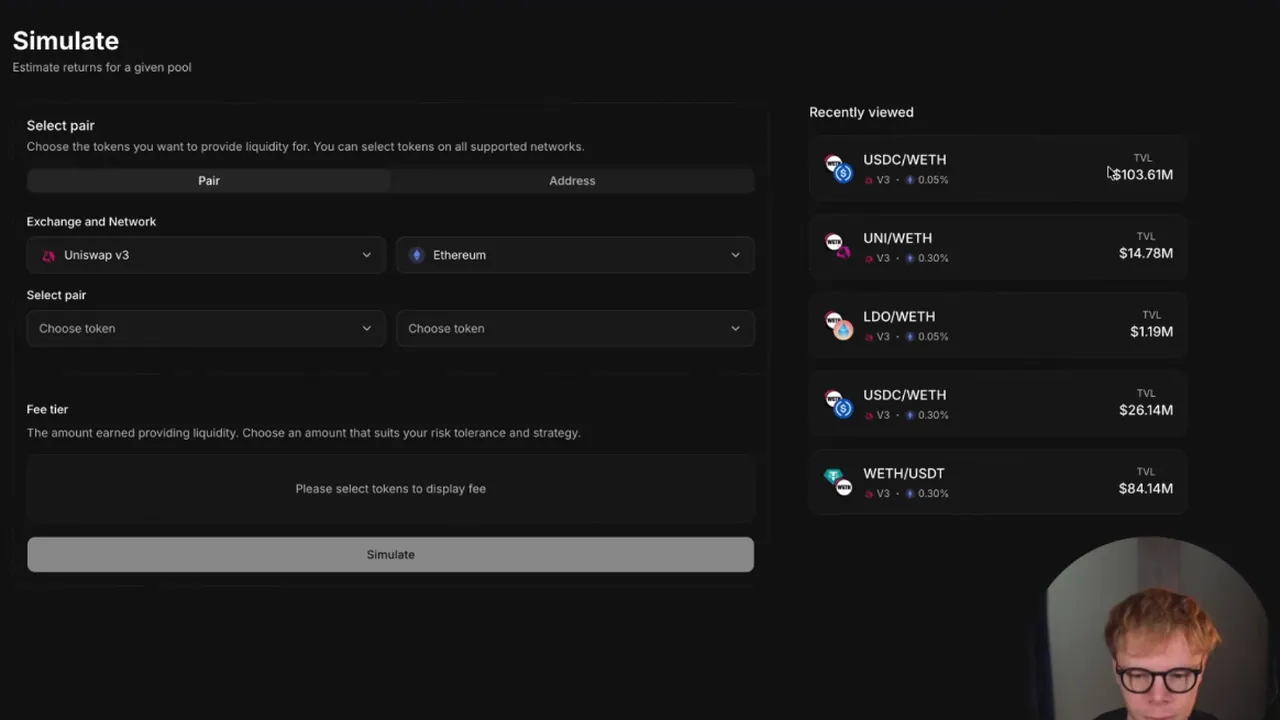
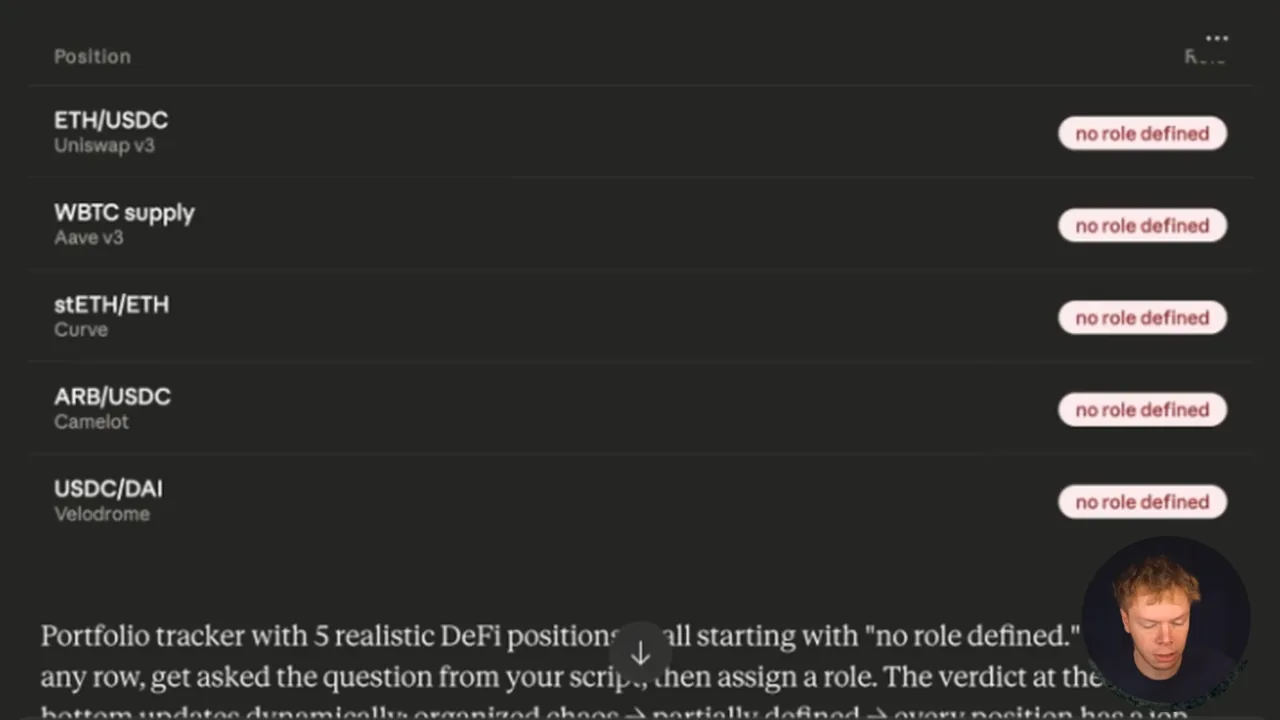
The coins you never sell back the loan. A second group earns. A reserve waits for the dips. These three jobs become the Core, Engine, and Reserve.
 5:26
5:26The Crypto Flywheel, start to finish
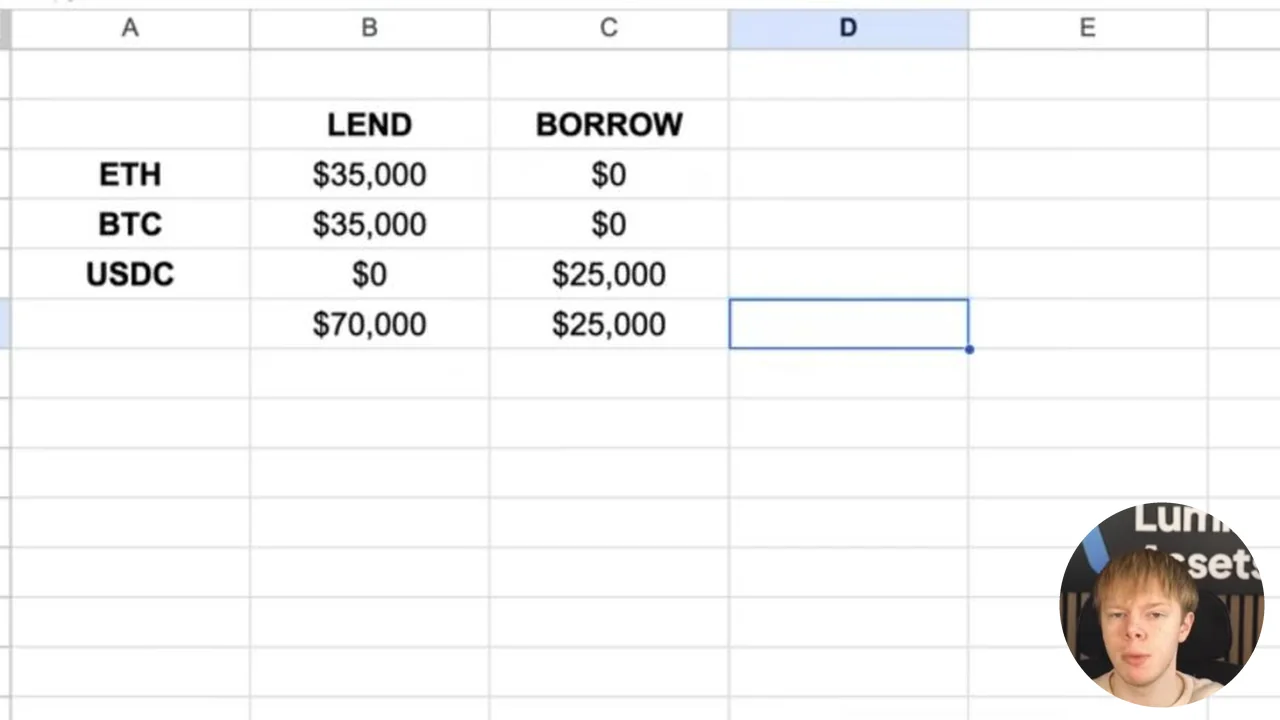
The whole loop in one video, under the name it has today: lend your coins, borrow against them, and put the borrowed money to work growing the collateral.
 2:30
2:30The income gets directed
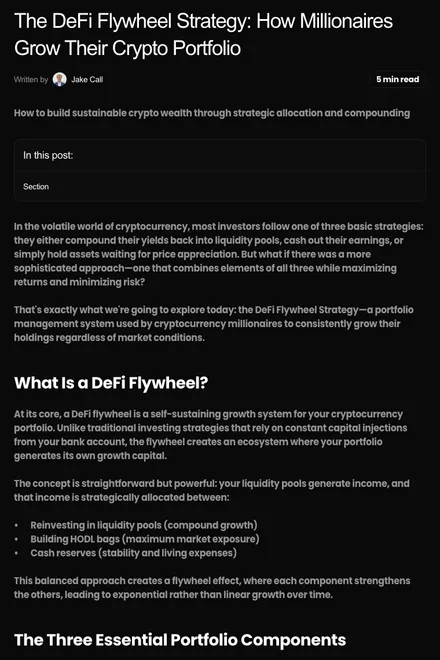
A blog post decides where the income goes: back into pools to compound, into coins held for the long run, and into cash for the dips and for living on.
 Internet Archive
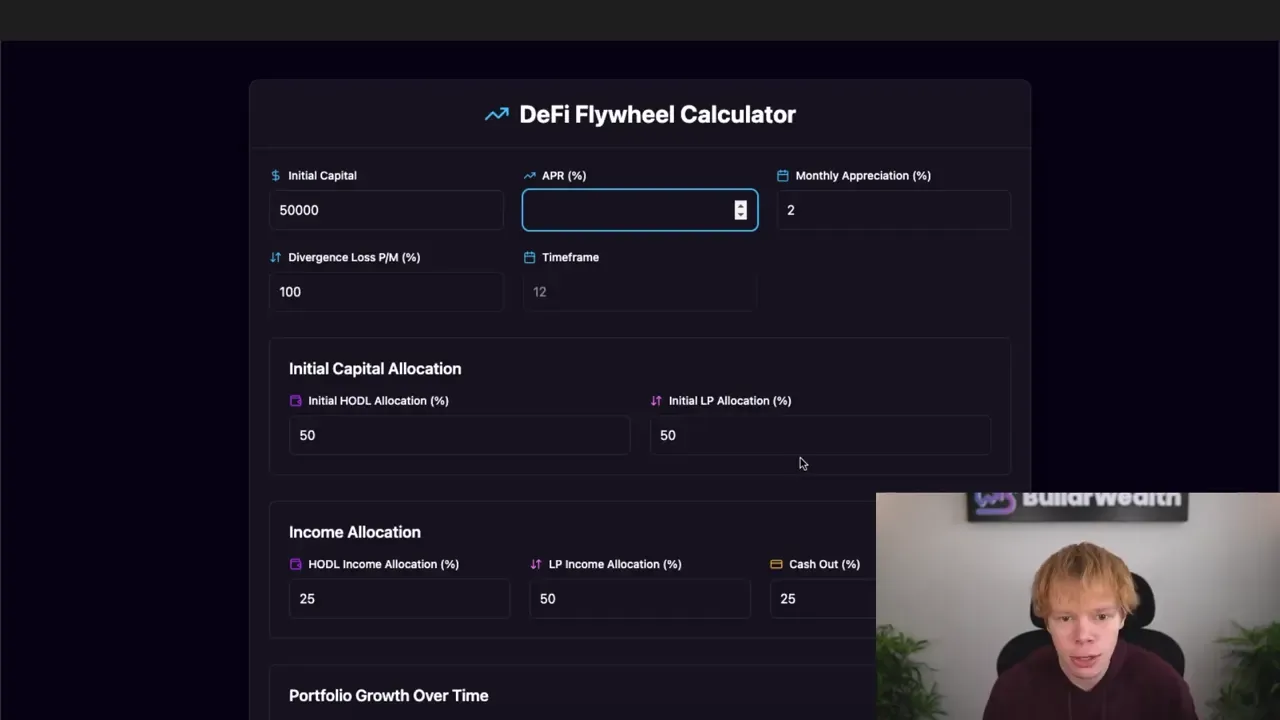
The first calculator
A free calculator goes live on its own domain, so anyone can map out a Flywheel of their own.
 8:02
8:02Named on camera
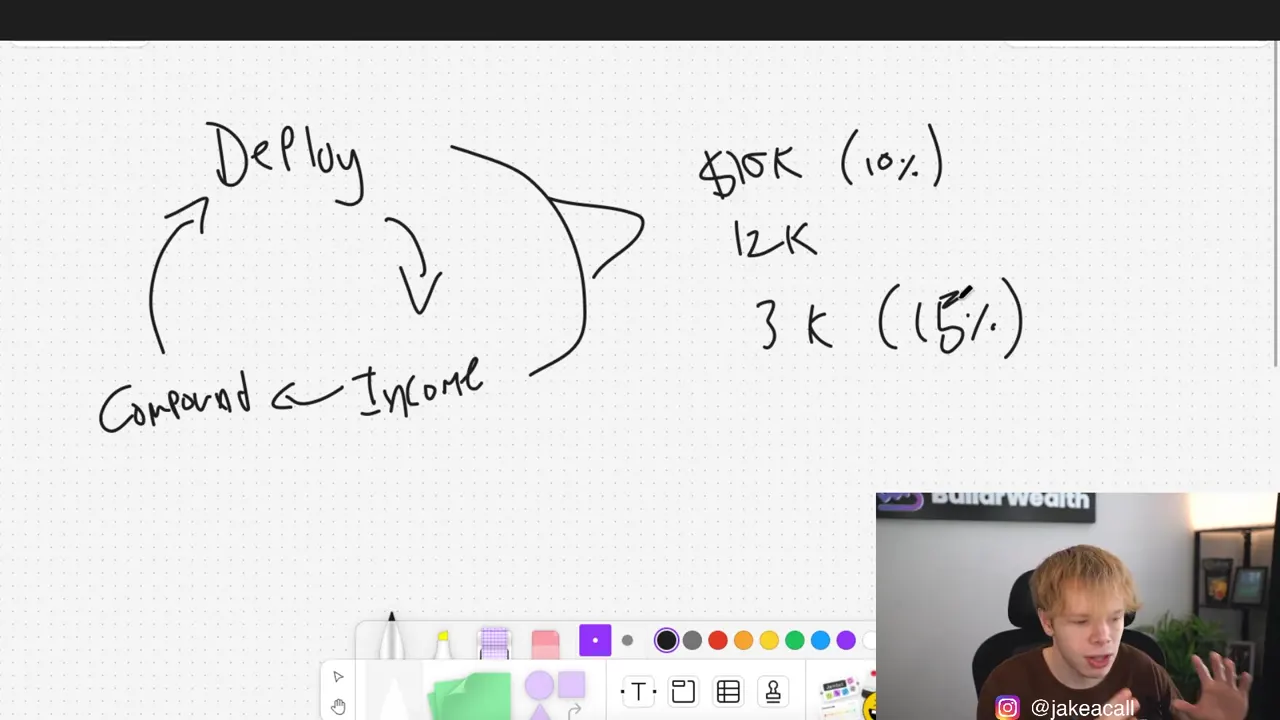
The DeFi Flywheel gets its name, and the method fits on one whiteboard: deploy capital, earn income, compound it.
 2:37
2:37The loop closes
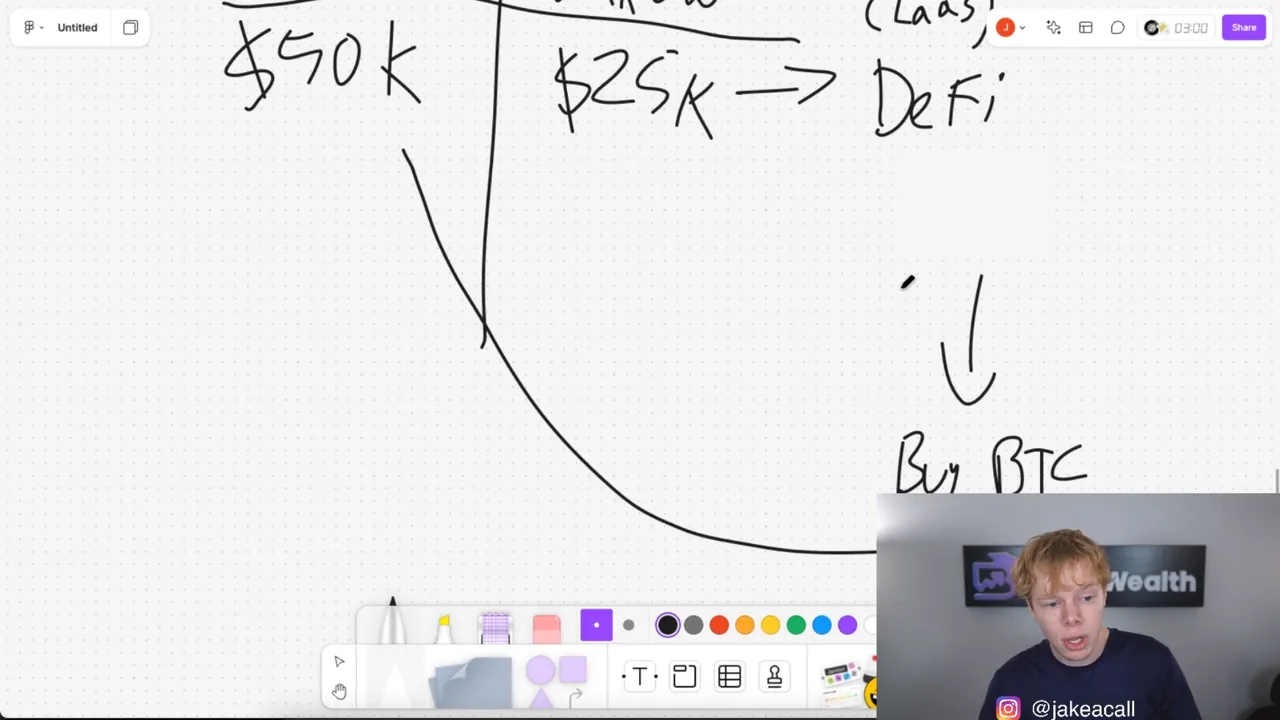
The borrowed stablecoins earn, the earnings buy more Bitcoin, and that Bitcoin goes back in as collateral. Each turn of the loop feeds the next.
 7:06
7:06The loop comes together
Jake draws the parts as one loop and runs his own portfolio on it: "this is the flywheel right here."
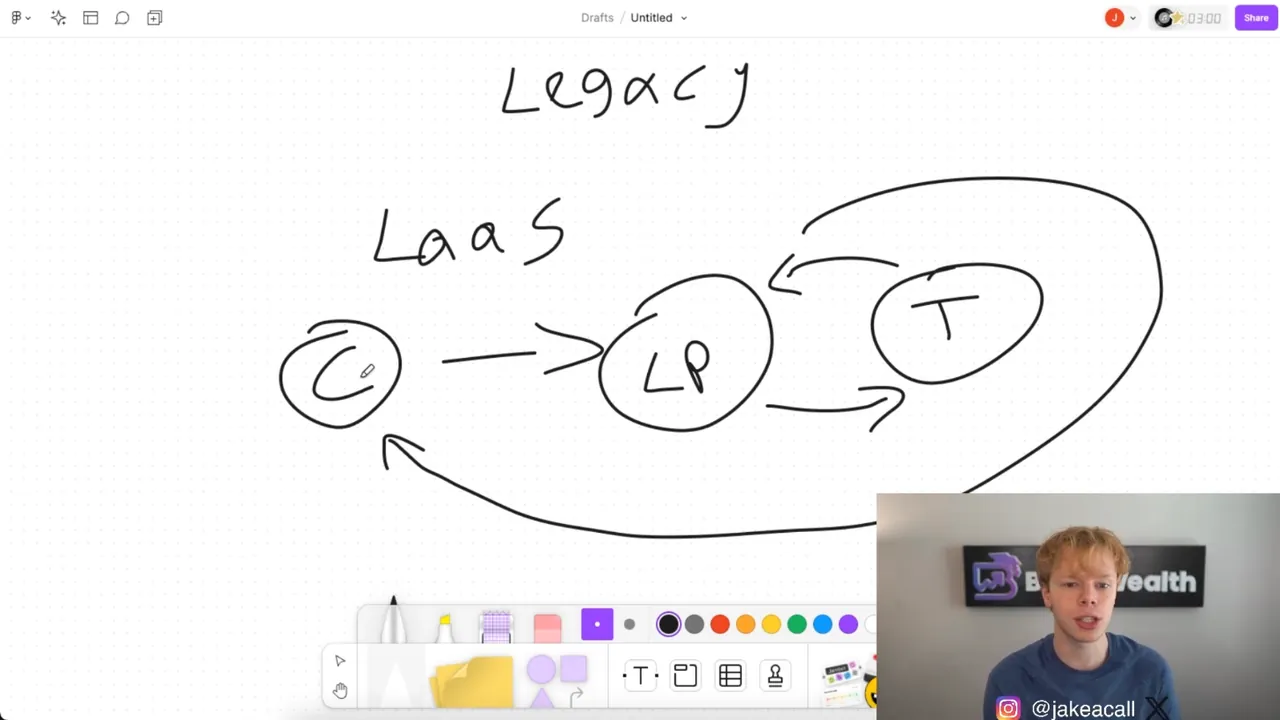 2:40
2:40Holdings become collateral
Coins held for the long run stop sitting still. They back a loan, and the stablecoins borrowed against them go to work in DeFi.
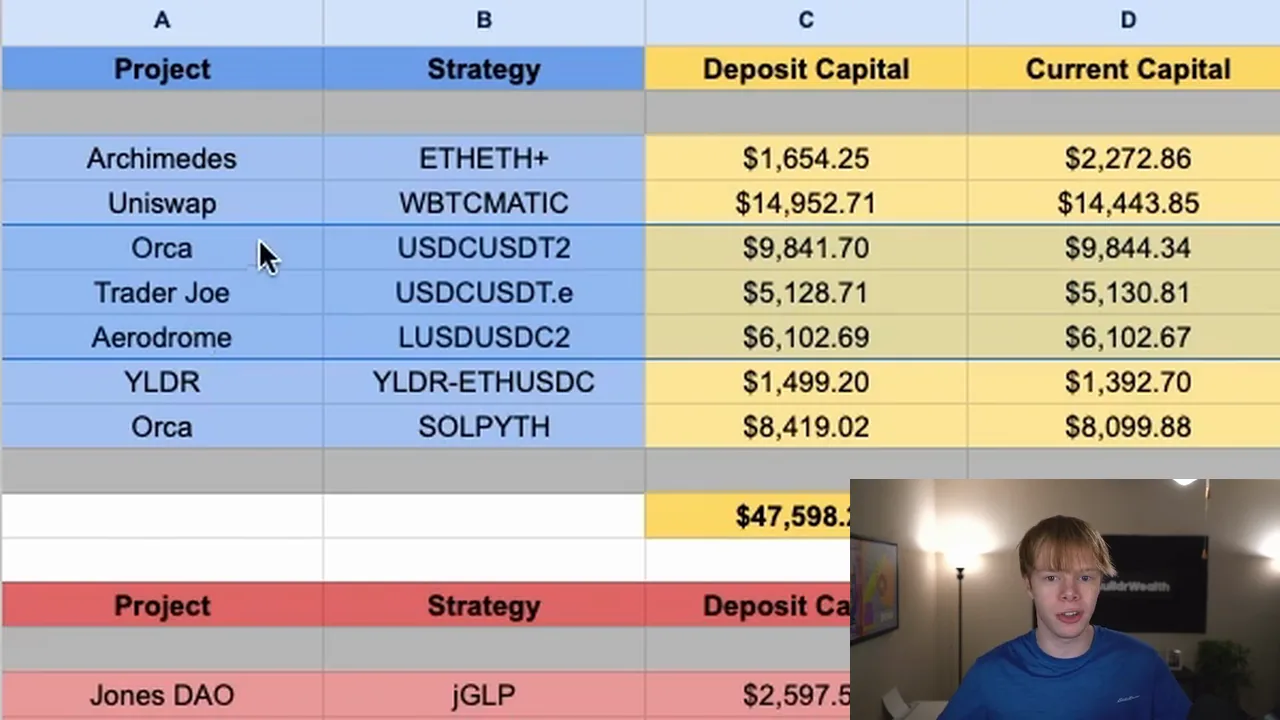 8:35
8:35First called a flywheel
Fees from one pool buy a coin, and that coin is staked to earn again. Jake calls it "a flywheel of me just constantly earning money."
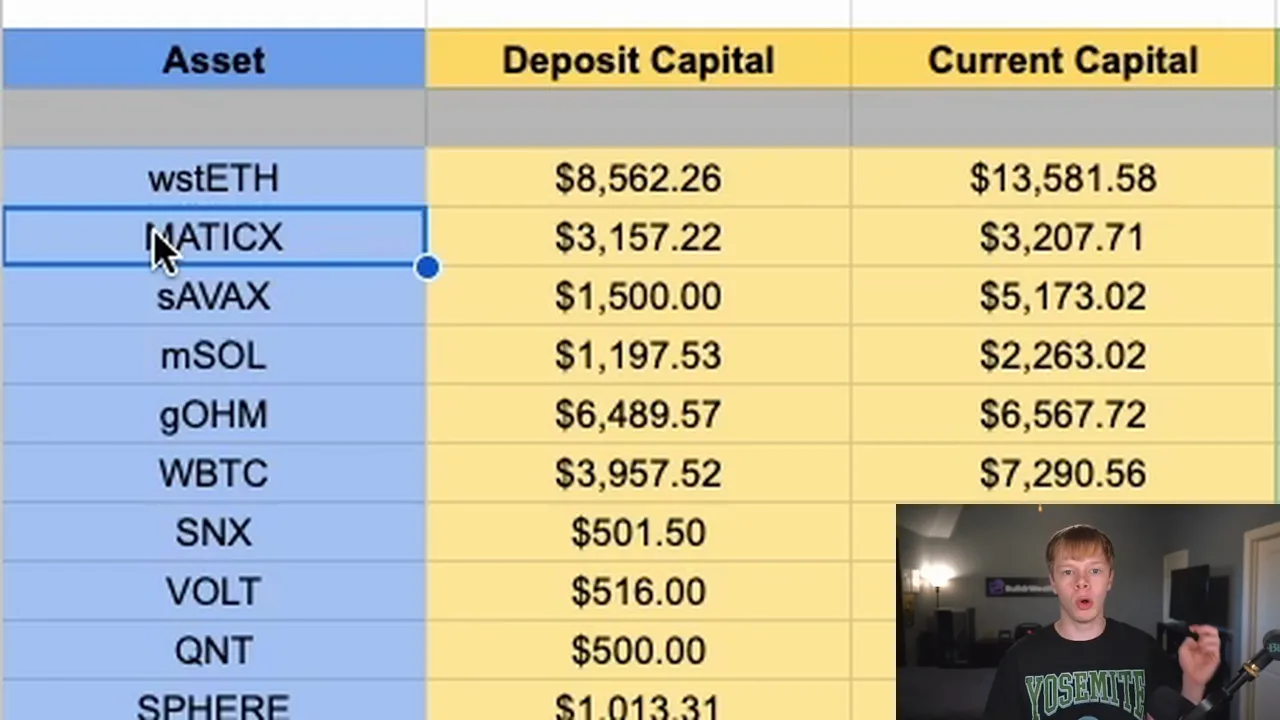 3:31
3:31A pool that buys on the way down
It starts with a MATIC and USDC pool. As the price falls, the pool spends its USDC on MATIC and earns fees while it buys. The Engine still works this way.
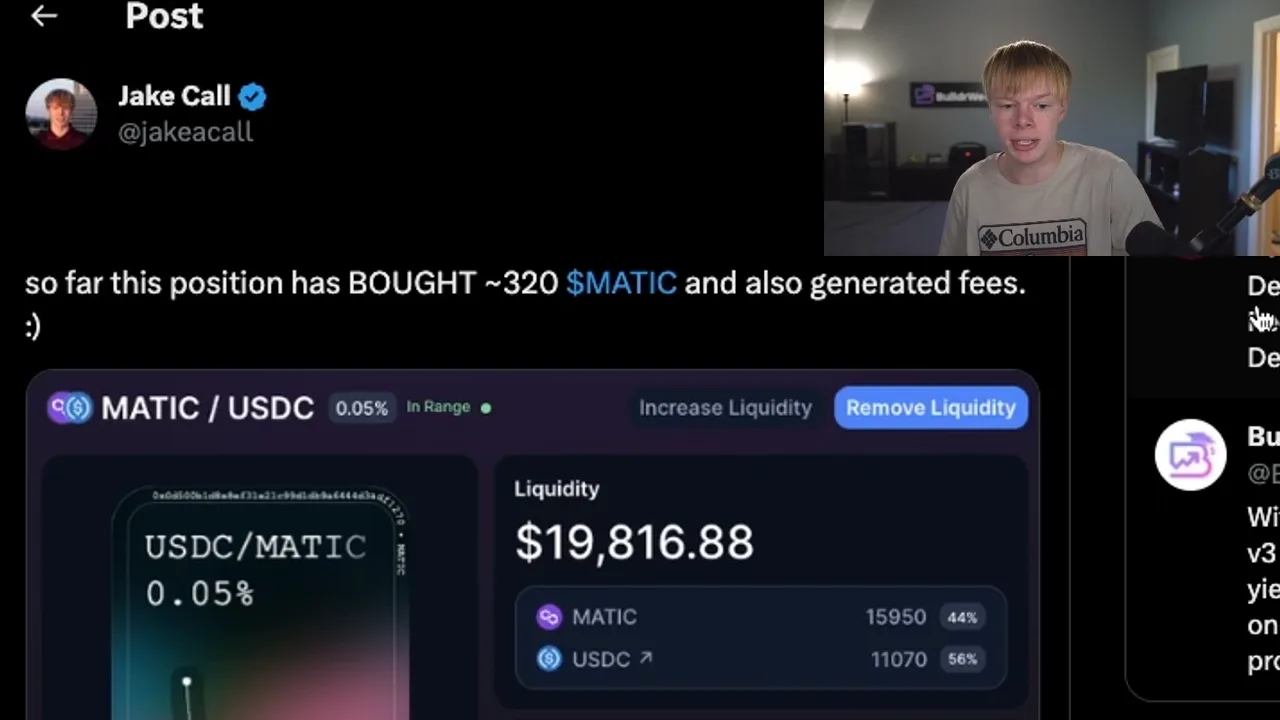 7:01
7:01
Start